Karakeep: Self-Hosted Bookmark Manager with Docker Compose
Karakeep saves links, notes and images, crawls pages with headless Chrome and makes everything searchable. Here is a tested Docker Compose setup for version 0.34.1, plus the security catch you should know about.
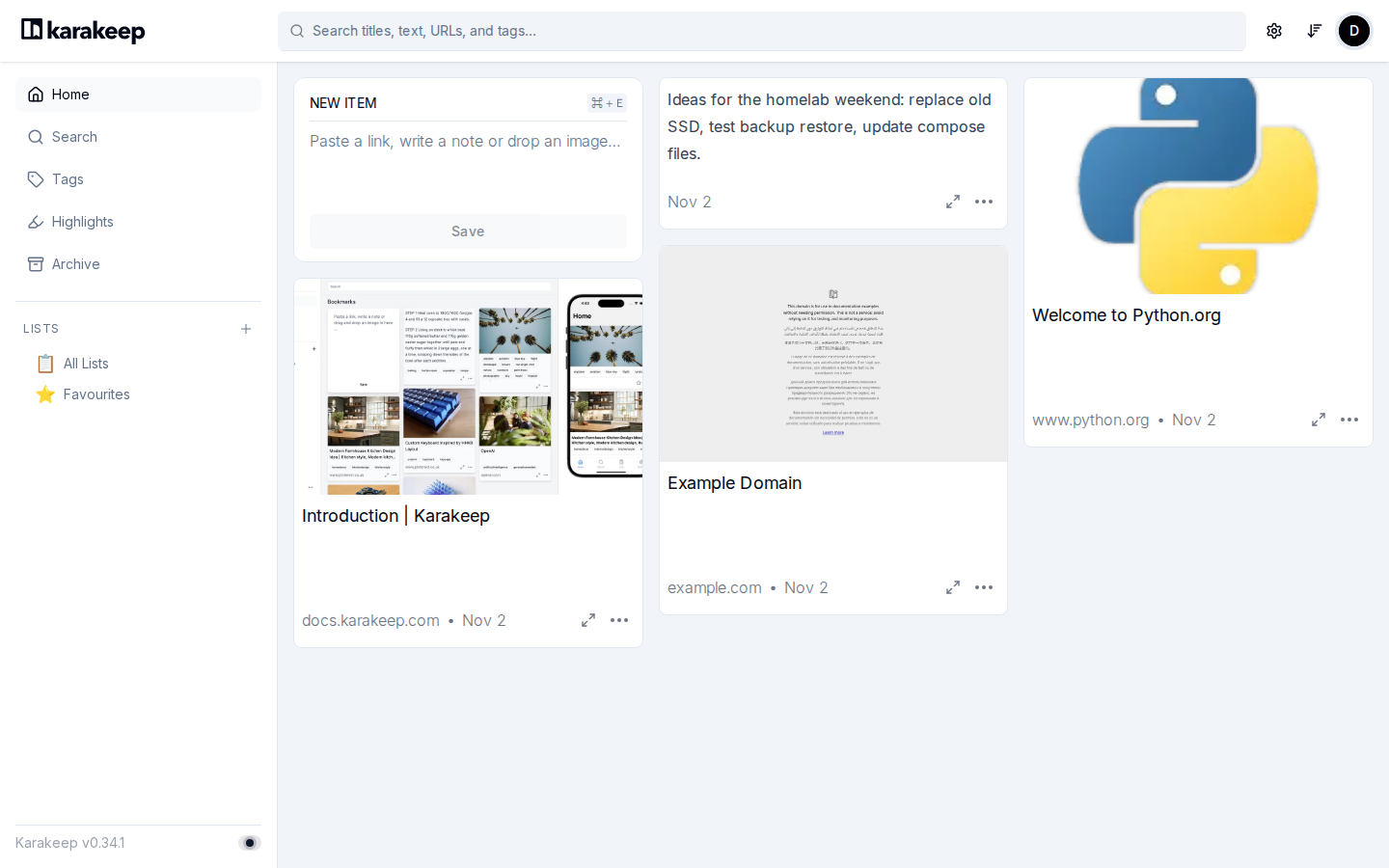
Everyone has a pile of tabs, half-read articles and "I'll look at this later" links scattered across browsers, chat apps and notes. Karakeep is a self-hosted place to dump all of it. You paste a link, a note or an image, and the app keeps a copy, takes a screenshot, indexes the text and makes it searchable. It was formerly known as Hoarder, and it has become one of the more popular projects in the self-hosting scene, with roughly 30,000 stars on GitHub at the time of writing.
I set it up on a fresh Ubuntu 24.04 VM, pinned to version 0.34.1, and clicked through the parts I describe below. This is what worked, what I measured and what you should keep in mind before you put it on the internet.
What Karakeep does
Karakeep is a "bookmark everything" app. The repository describes it as a self-hostable tool for links, notes and images, with AI-based automatic tagging and full text search. In practice you get a card-style web interface where every saved item becomes a tile.
When you save a link, a worker opens the page in a headless Chrome container, grabs a screenshot, pulls out the readable text and tries to fetch a preview image. In my test the crawler picked up three links within about half a minute and produced titles, banner images or screenshots for each of them. Plain text notes work the same way, just without the crawl.
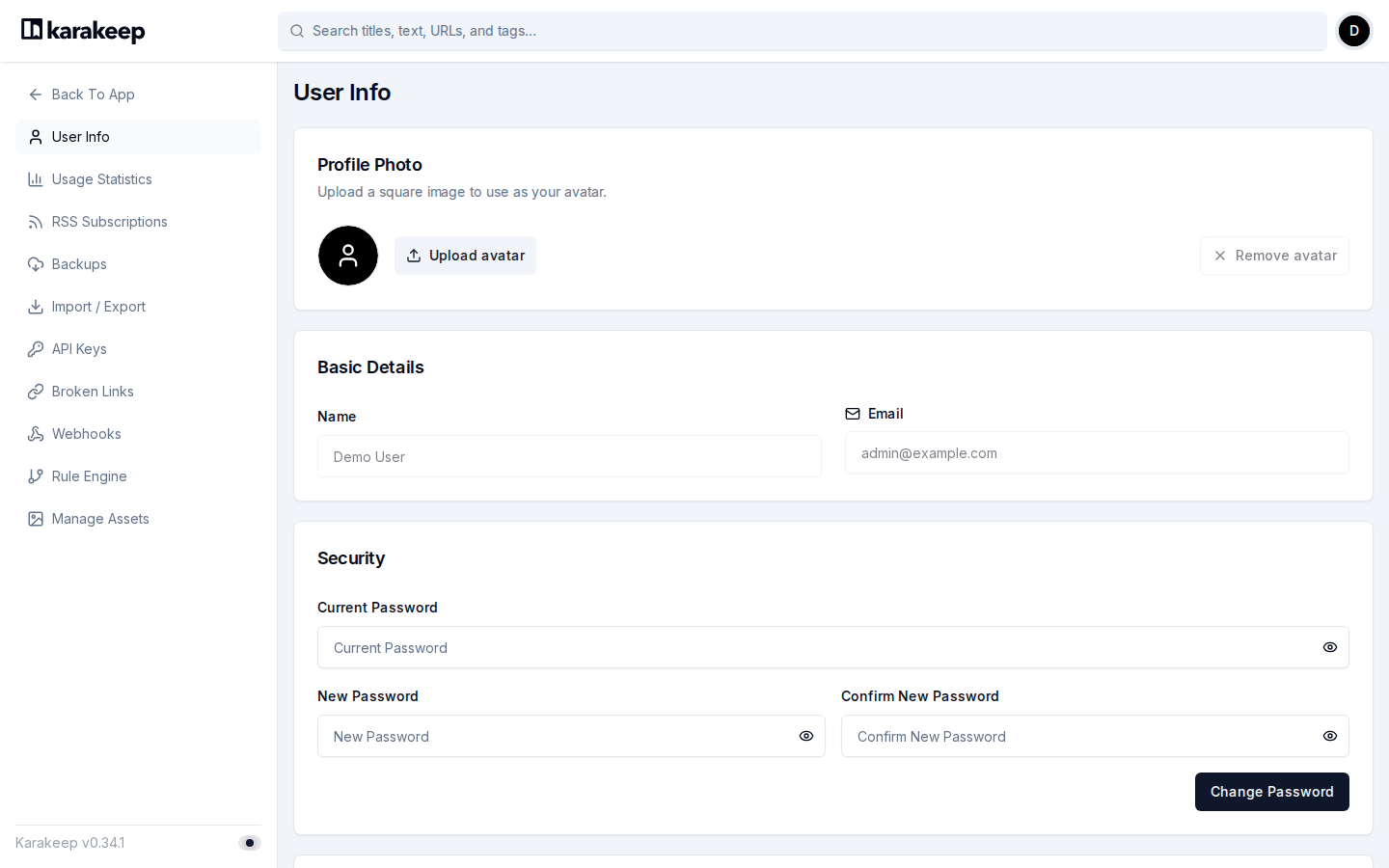
Beyond the basics, the settings menu of 0.34.1 lists a good amount of extras: RSS subscriptions, backups, import and export, API keys, a check for broken links, webhooks and a rule engine. I only opened the settings page, so I can't tell you how well each of them works in daily use. Browser extensions and mobile apps for quick saving are described in the official documentation.
Search and tags
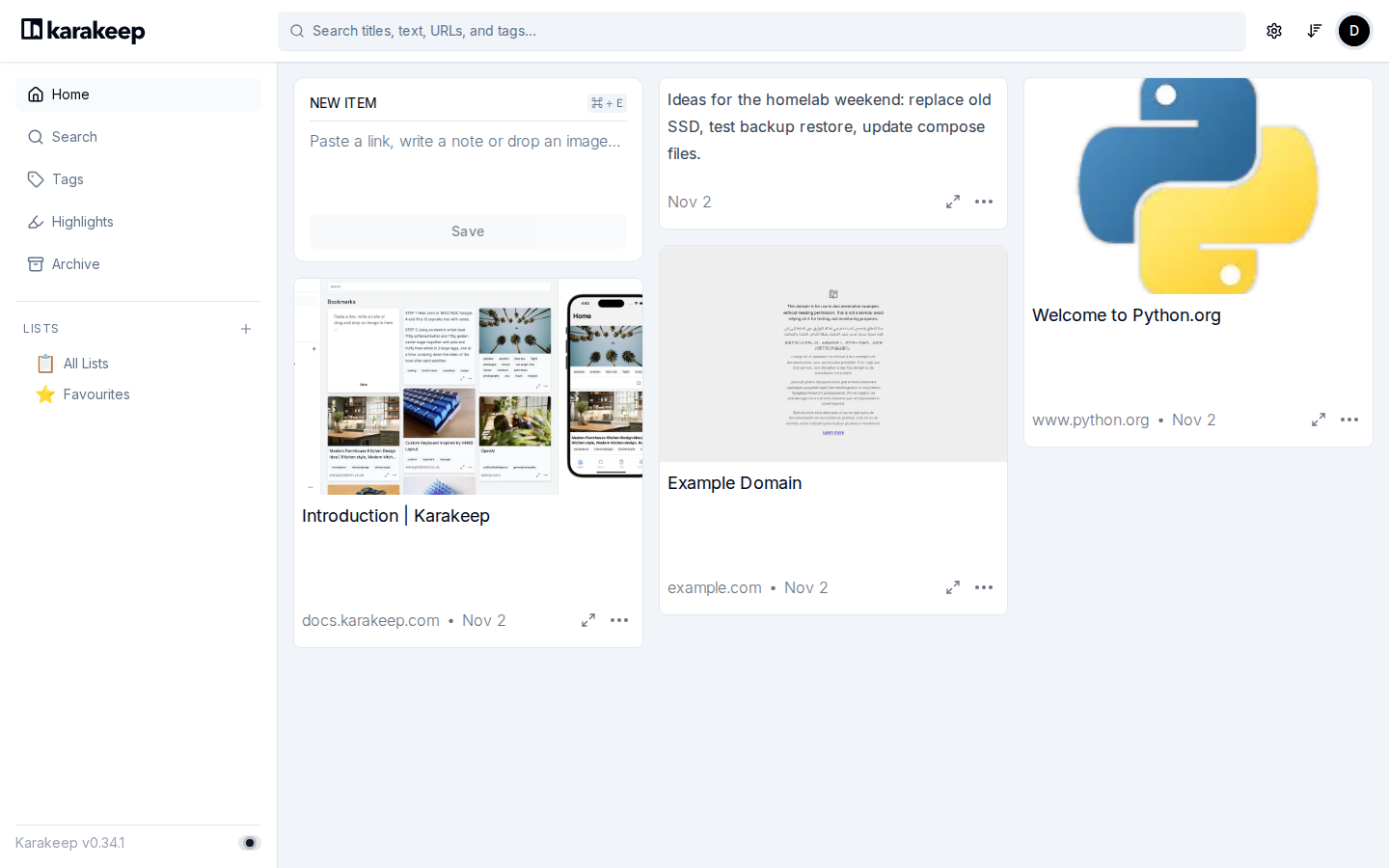
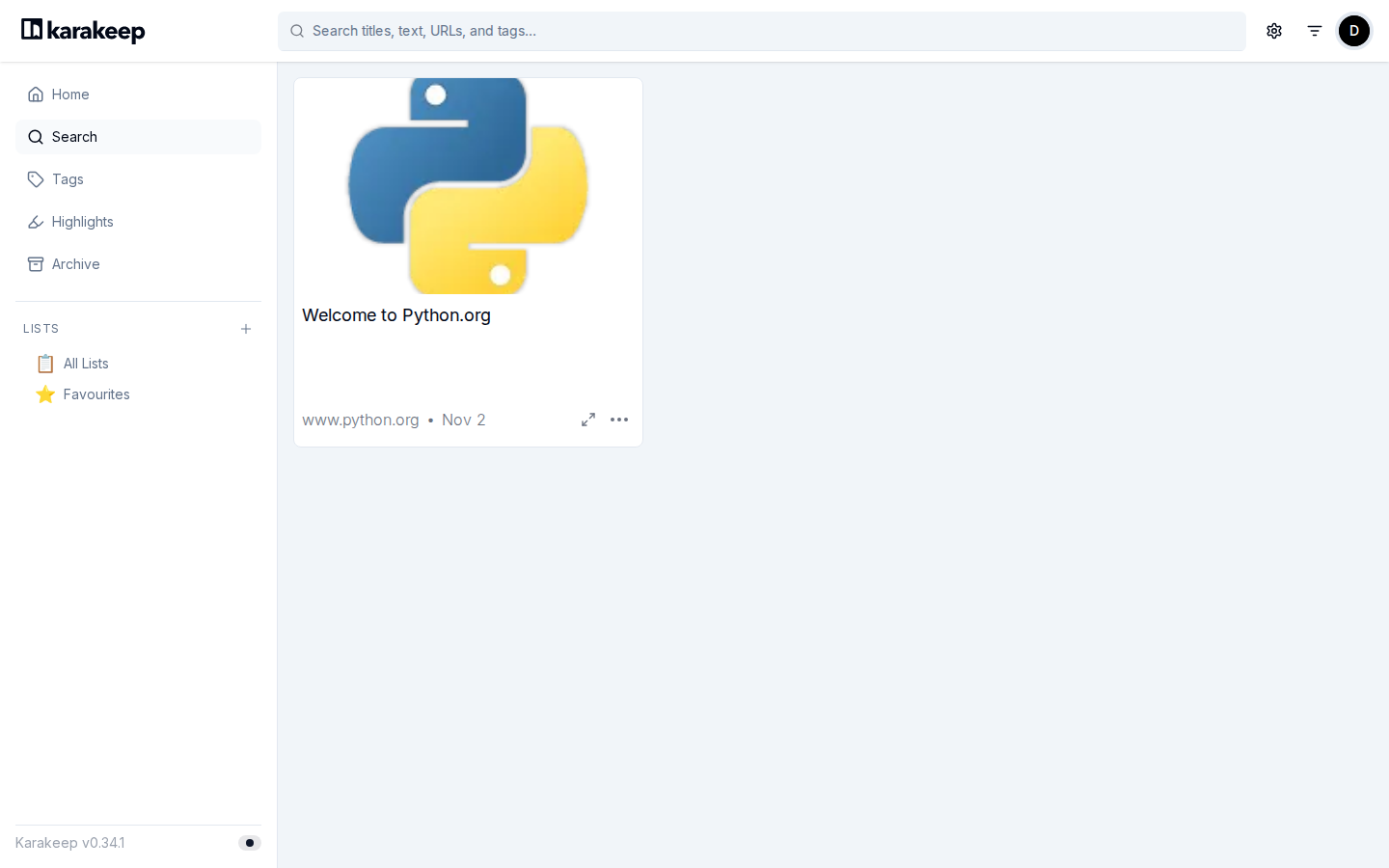
Search is handled by a Meilisearch container. Typing "python" found the saved python.org page right away.
Automatic tagging is optional. The documentation points to an OpenAI API key, and mentions Ollama as a local alternative. I did not configure any AI provider in my test, so I can't say anything about the quality of the generated tags. Without it, the app works fine, you just tag by hand.
Requirements
You need Docker with the Compose plugin. The stack consists of three containers: the Karakeep web app, a Chrome container for crawling and a Meilisearch container for search. In my test the three together used somewhere between 0.5 and 0.9 GB of RAM, which makes a small VPS with 2 GB perfectly workable, but not a good fit for a 512 MB box. Exact figures are in the tips section further down.
Docker Compose setup, step by step
1. Create a folder
mkdir -p ~/karakeep && cd ~/karakeep2. Create the compose file
The official compose file lives in the Karakeep repository. I used the one from the v0.34.1 tag as a base, pinned the Chrome image to a version tag instead of release, bound the port to localhost and added a depends_on block. Save this as docker-compose.yml:
services:
  web:
    image: ghcr.io/karakeep-app/karakeep:${KARAKEEP_VERSION}
    restart: unless-stopped
    volumes:
      - data:/data
    ports:
      - "127.0.0.1:3000:3000"
    env_file:
      - .env
    environment:
      MEILI_ADDR: http://meilisearch:7700
      BROWSER_WEB_URL: http://chrome:9222
      DATA_DIR: /data
    depends_on:
      - meilisearch
      - chrome

  chrome:
    image: ghcr.io/karakeep-app/karakeep-chrome:156.0.8078.47-r2
    restart: unless-stopped
    init: true
    command:
      - --disable-gpu
      - --disable-dev-shm-usage
      - --hide-scrollbars
      - --disable-blink-features=AutomationControlled
      - --window-size=1440,900

  meilisearch:
    image: getmeili/meilisearch:v1.41.0
    restart: unless-stopped
    env_file:
      - .env
    environment:
      MEILI_NO_ANALYTICS: "true"
    volumes:
      - meilisearch:/meili_data

volumes:
  meilisearch:
  data:
The 127.0.0.1 binding means the app is only reachable from the host itself, which is what you want when a reverse proxy sits in front. Leave the DATA_DIR value alone, the official file marks it as "don't change". If you prefer a normal folder over a Docker volume for your bookmarks, the compose file's own comments explain how to swap the mapping.
3. Create the .env file
Karakeep needs two secrets: one for sessions (NEXTAUTH_SECRET) and one that protects Meilisearch (MEILI_MASTER_KEY). Generate them on the server instead of copying example values:
cat > .env <<EOF
KARAKEEP_VERSION=0.34.1
NEXTAUTH_URL=https://karakeep.example.com
NEXTAUTH_SECRET=$(openssl rand -base64 36)
MEILI_MASTER_KEY=$(openssl rand -base64 36 | tr -dc 'A-Za-z0-9')
EOF
chmod 600 .env
NEXTAUTH_URL has to match the address you use in the browser. If you test locally first, use http://localhost:3000 and change it once the reverse proxy is in place. After any change to .env you need to run docker compose up -d again.
4. Start it
docker compose up -d
docker compose ps
The first run is mostly image downloads. Once the images were pulled, all three containers were up within about ten seconds and the web container reported healthy. Open http://localhost:3000 (or your proxied domain) and you land on the sign-in page.
5. Create your account
Open the sign-up page and register with a name, an email address and a password. I used a demo address and a random password. After signing up you arrive directly in the empty dashboard, with the version number (v0.34.1) in the bottom left corner. Paste a link into the "New item" box and hit Save to see the crawler do its job.
Once your own account exists, consider setting DISABLE_SIGNUPS=true in the .env file, which according to the configuration docs disables new sign-ups and hides the sign-up button. Then run docker compose up -d once more.
Tips from the test
On the test VM (2 vCPU, about 1.8 GB RAM) docker stats showed roughly 300 to 550 MiB for the web container, 95 to 350 MiB for Chrome and between 1 and 60 MiB for Meilisearch, depending on whether the crawler was busy. Chrome grows while it renders pages and shrinks again afterwards, so plan for peaks rather than the idle numbers.
Back up the data volume. It holds the SQLite databases and all stored assets such as screenshots. The settings page also has a Backups section if you want to work from within the app. Updates are simple with a pinned version: change KARAKEEP_VERSION, then run docker compose pull and docker compose up -d. Read the release notes first, because Meilisearch upgrades have their own troubleshooting notes.
Limits and security
The most important point comes straight from the maintainers' documentation: the crawler is a real browser running on your server. Anyone who can submit bookmarks can make your machine request arbitrary websites and see the result. That can expose your origin IP, cause traffic you don't want coming from your address, and be used to probe internal endpoints. Karakeep has basic SSRF protections, but the docs say plainly that these only cover part of the risk.
For a single-user or family setup that's fine. If you let untrusted people register, restrict the browser's network access, run it somewhere else or use a crawler proxy outside your internal network. I did not test any of those hardening options.
A few other things to know. The AGPL-3.0 licence matters mostly if you modify the code and offer it to others as a service. The Docker setup runs three containers, which is more than a minimal bookmark manager needs. And the 0.x version number tells you the project is still moving quickly, so pin versions and read release notes. Version 0.34.1, released on 22 October 2026, is a security-oriented release: it moves the Docker image to a newer Node.js base that picks up the October 2026 Node.js security fixes.
Karakeep compared with alternatives
Karakeep leans toward "save everything and find it again later", with screenshots, archived content and search at its core. Wallabag is the long-standing read-it-later option for saving and classifying articles. Linkwarden describes itself as a collaborative bookmark manager that preserves what you collect, so it is the closest in spirit and worth a look if several people share one collection. Both are actively maintained. If you only want something much smaller than a three-container stack, a lighter link manager may suit you better. I have only run Karakeep for this article, so treat this comparison as orientation rather than a benchmark.
Conclusion
Karakeep installs without drama. Three containers, two secrets and a pinned version were enough to get a working instance with crawling and search in a few minutes. It is a good fit if you collect a lot of links and want your own searchable archive. Keep it behind a reverse proxy, turn off public sign-ups after creating your account and be careful who you give access to, because of the crawler.