ntfy 2.36: Self-Host Push Notifications for Your Homelab with Docker Compose
ntfy turns a simple curl request into a push notification on your phone. What is new in v2.36, and how to run a private instance with Docker Compose, users and tokens.
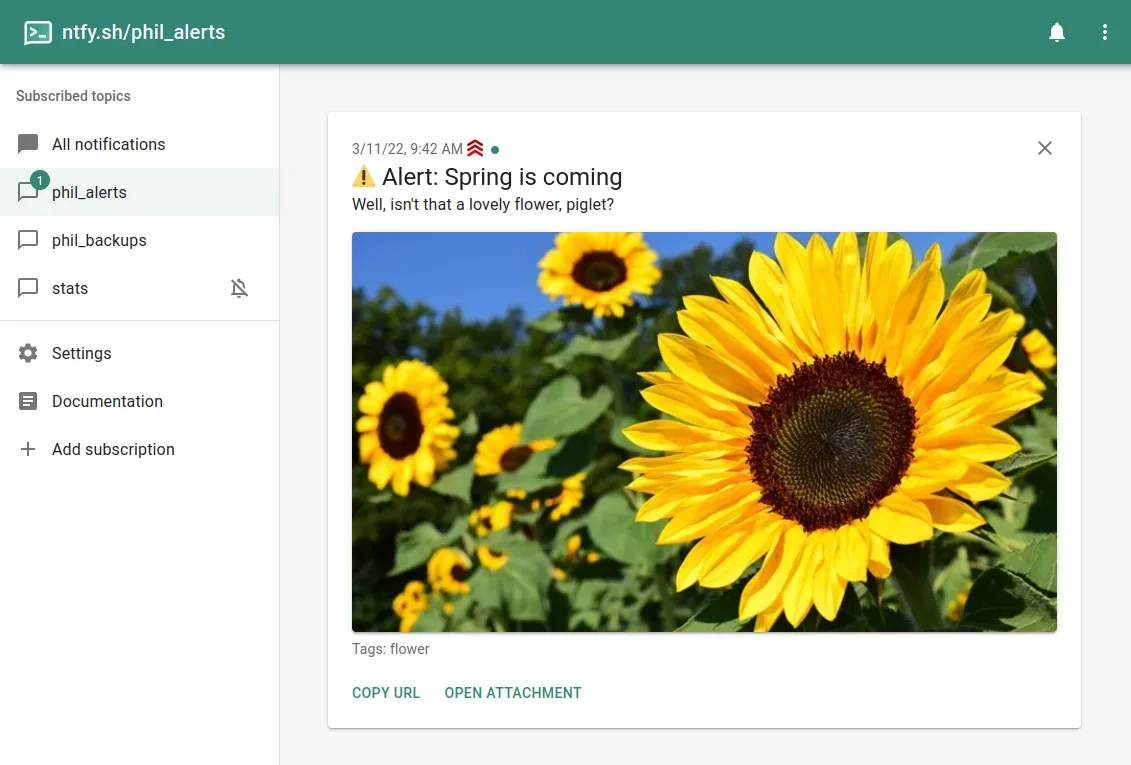
Most homelabs have the same blind spot: a backup script fails at 3 a.m., a disk fills up, a container restarts in a loop, and nobody finds out until something breaks for real. Email alerts get buried, and wiring every tool into Slack or Telegram is fiddly. ntfy (pronounced "notify") solves this in the simplest way possible: send an HTTP request, get a push notification on your phone or desktop.
ntfy just shipped v2.36.0 on 31 October 2026, just one day after v2.35.0, and with more than 35,000 GitHub stars it is one of the best-known self-hosted notification tools. In this post we look at what ntfy does, what is new, and how to run your own private instance with Docker Compose.
What is ntfy?
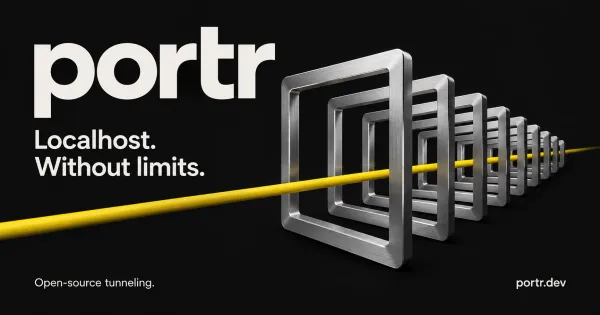
ntfy is an HTTP-based publish/subscribe notification service written in Go and licensed under Apache-2.0 (the repository also carries GPLv2 as a dual license option for the code). You publish a message to a topic with a plain PUT or POST, and every device subscribed to that topic gets it as a notification.
There is a free public instance at ntfy.sh, open-source apps for Android (Google Play and F-Droid) and iOS, a web app that can show browser notifications, and a CLI. Because the server is open source, you can run all of it yourself.
Key features
- Dead simple publishing.
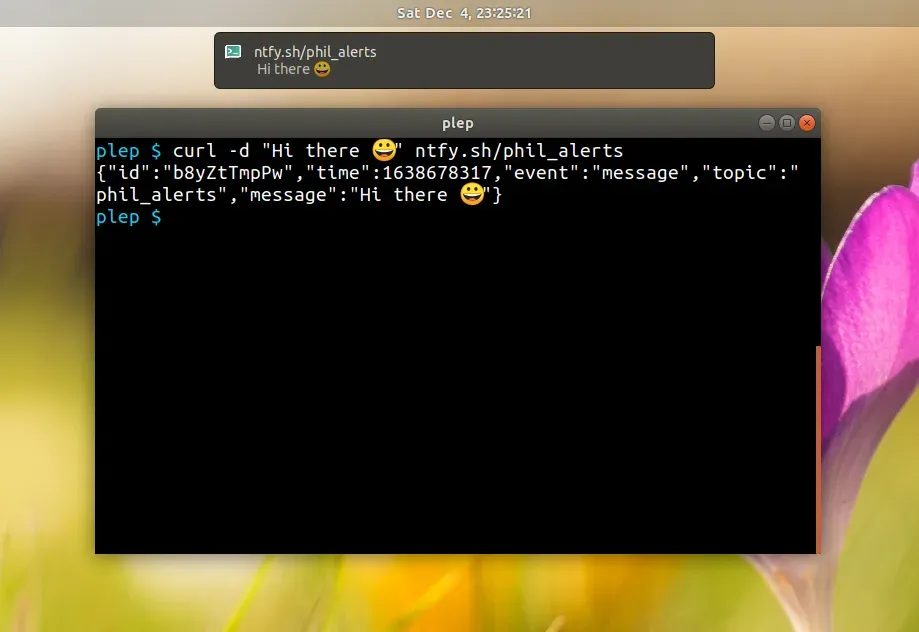
curl -d "Backup done" https://ntfy.example.com/backupsis a complete, working notification. Any script, cron job or tool that can make an HTTP request can use it. - Rich messages. Titles, five priority levels (from
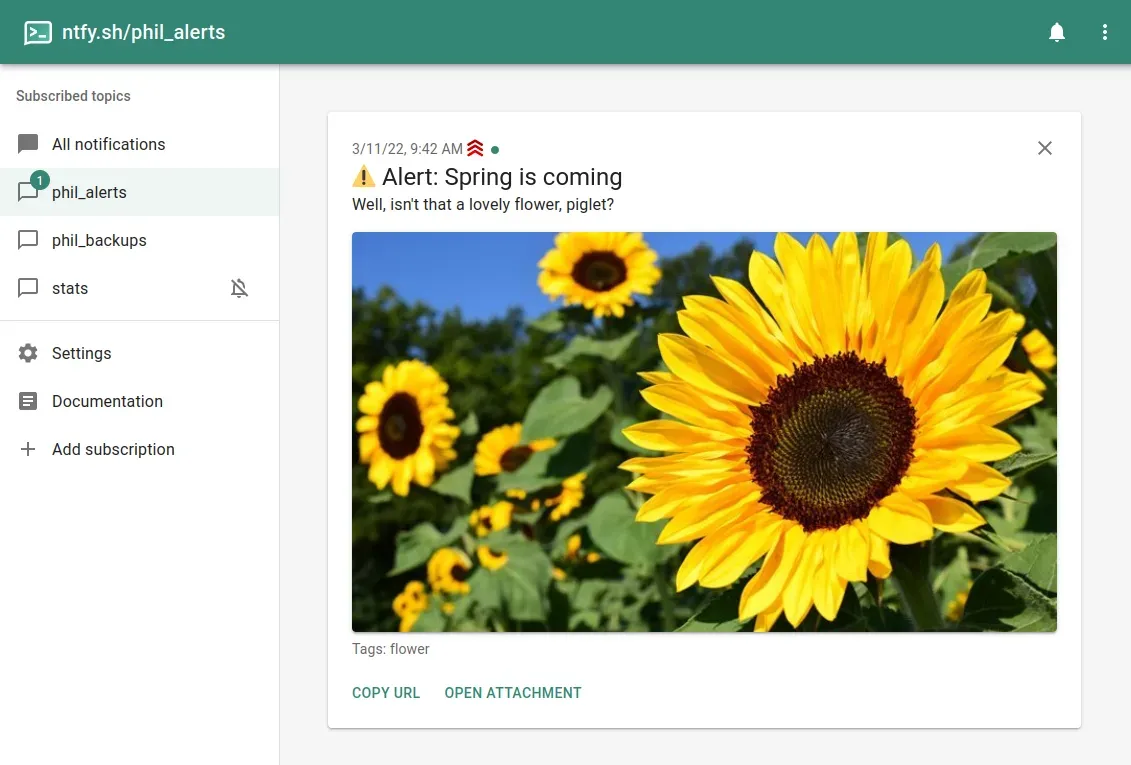
mintomax/urgent), tags that turn into emojis, Markdown formatting, click actions, icons, attachments and action buttons. - Scheduled delivery. Send a message now and have it delivered later.
- Apps everywhere. Android, iOS, a web app with Web Push for background notifications, and a CLI that can both publish and subscribe.
- Access control. Users with
userandadminroles, per-topic read/write ACLs and access tokens, so a private instance can deny everything by default. - Integrations. Many tools speak ntfy directly or through Apprise. It also works as a UnifiedPush distributor on Android, and it can receive messages by email if you enable the built-in SMTP server.
- Lightweight. A single Go binary with SQLite by default; PostgreSQL is supported for larger setups.
What is new in v2.35 and v2.36
The last two releases are mostly about limits, correctness and security, which is good news if you run ntfy for more than one person:
- Daily limits survive restarts (v2.36.0). Message, email and phone call limits are now stored in the user database instead of memory. With PostgreSQL they are shared between servers, and each visitor's day starts at its own time instead of midnight UTC.
- Experimental admin socket (v2.36.0). A local Unix socket (
experimental-listen-admin-unix, off by default) serves the admin API. Note that it needs no credentials, so anyone who can open the socket is an admin. Leave it off unless you know you need it. - Stricter config check (v2.36.0). When
base-urlis set, the whole config is validated again, so a broken config that used to start may now fail at startup. Check your logs after upgrading. - Security fix (v2.35.0). Matrix push gateway requests with a push key that does not name a valid topic are now rejected. The release notes describe a case on SQLite where a crafted key could store messages under a protected topic.
- Fewer random 403s (v2.35.0). A race in the account handlers that could treat a logged-in request as anonymous (or the other way around) under concurrent requests from the same IP is fixed.
Upgrade note from v2.36.0: everyone's daily counters start over at the upgrade, and servers that share a PostgreSQL database must keep their clocks in sync.
Why self-host it?
The public ntfy.sh server is free and works fine, but topics there are public: the topic name is effectively the password. That is fine for "the washing machine is done", less so for "backup of the finance server failed". Your own instance gives you:
- Topics that nobody else can read or write, thanks to
deny-allby default. - No rate limits other than the ones you set.
- Message history on your own disk.
- One notification hub for every tool in your lab.
Install ntfy with Docker Compose
The official image is binwiederhier/ntfy (amd64, armv6, armv7 and arm64). The server listens on port 80 inside the container. The image does not ship a server.yml, so you either mount one or configure everything with NTFY_* environment variables, which is what we do here.
1. Create a folder
mkdir -p /opt/ntfy && cd /opt/ntfy
2. Create compose.yml
services:
  ntfy:
    image: binwiederhier/ntfy:v2.36.0
    container_name: ntfy
    command: serve
    restart: unless-stopped
    init: true
    environment:
      TZ: Europe/Berlin
      NTFY_BASE_URL: https://ntfy.example.com
      NTFY_CACHE_FILE: /var/lib/ntfy/cache.db
      NTFY_AUTH_FILE: /var/lib/ntfy/auth.db
      NTFY_AUTH_DEFAULT_ACCESS: deny-all
      NTFY_BEHIND_PROXY: "true"
      NTFY_ATTACHMENT_CACHE_DIR: /var/lib/ntfy/attachments
      NTFY_ENABLE_LOGIN: "true"
      NTFY_UPSTREAM_BASE_URL: https://ntfy.sh
    volumes:
      - ./data:/var/lib/ntfy
    ports:
      - "127.0.0.1:8080:80"
    healthcheck:
      test: ["CMD-SHELL", "wget -q --tries=1 http://localhost:80/v1/health -O - | grep -Eo '\"healthy\"\\s*:\\s*true' || exit 1"]
      interval: 60s
      timeout: 10s
      retries: 3
      start_period: 40s
A few notes on these settings:
NTFY_BASE_URLmust be the public URL your phone uses to reach the server.NTFY_CACHE_FILEkeeps messages on disk, so a restart does not lose them and clients can fetch what they missed.NTFY_AUTH_FILEplusNTFY_AUTH_DEFAULT_ACCESS: deny-allturns your server into a private instance: nobody can read or write anything until you allow it.NTFY_BEHIND_PROXYis required behind a reverse proxy. Without it, ntfy sees every visitor as the proxy's IP and rate limits them all as one.NTFY_UPSTREAM_BASE_URLis only needed for instant notifications on iOS. Your server then sends a small "poll request" to ntfy.sh, which contains only a message ID and a hash of the topic URL, not your message; the iPhone then fetches the real message from your server. Remove the line if you do not use iOS.- The port is bound to
127.0.0.1because a reverse proxy should handle HTTPS in front of it. The healthcheck andinit: truefollow the example in the official docs.
3. Start it
docker compose up -d
docker compose logs -f ntfy
4. Create an admin user
Users are managed with the ntfy user command inside the container. It asks for a password interactively:
docker compose exec ntfy ntfy user add --role=admin alice
Admins can read and write every topic. For scripts, create a dedicated user and give it only what it needs:
docker compose exec ntfy ntfy user add backup-bot
docker compose exec ntfy ntfy access backup-bot backups write-only
5. Create an access token for scripts
Tokens are nicer than passwords in scripts, can expire and can be revoked one by one:
docker compose exec ntfy ntfy token add --expires=90d --label="backup script" backup-bot
Keep in mind that a token currently grants full access to that user's account (everything except changing the password or deleting the account), which is another reason to use a low-privilege user for automation.
6. Put it behind HTTPS
Point your reverse proxy (Traefik, Caddy, Nginx Proxy Manager, nginx) at 127.0.0.1:8080 for ntfy.example.com. ntfy keeps long-lived connections open for subscribers (HTTP streaming and WebSockets), so make sure your proxy does not cut them off with short timeouts or response buffering. The official config docs have complete nginx, Apache and Caddy examples.
Sending your first notifications
A simple message with a token:
curl -H "Authorization: Bearer tk_yourtokenhere" \
     -d "Nightly backup finished" \
     https://ntfy.example.com/backups
With a title, high priority and a warning emoji tag:
curl -H "Authorization: Bearer tk_yourtokenhere" \
     -H "Title: Backup failed" \
     -H "Priority: high" \
     -H "Tags: warning" \
     -d "rsync exited with code 23 on nas01" \
     https://ntfy.example.com/backups
A pattern that works well in cron jobs is to notify only on failure:
/usr/local/bin/backup.sh || curl -H "Authorization: Bearer tk_yourtokenhere" \
  -H "Priority: high" -H "Tags: rotating_light" \
  -d "backup.sh failed on $(hostname)" https://ntfy.example.com/backups
Subscribing on your phone
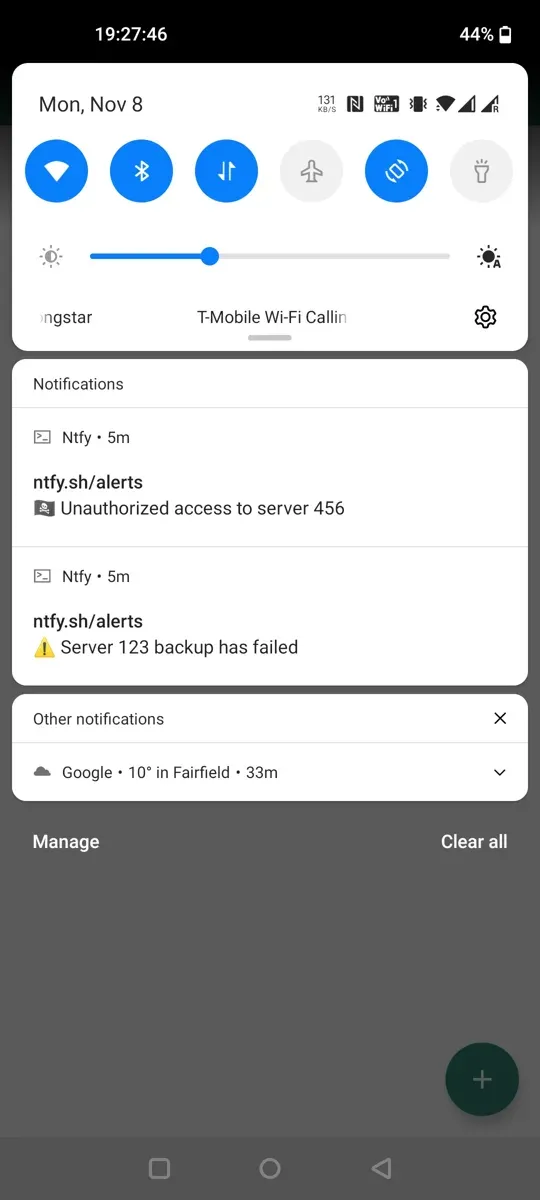
Install the ntfy app from Google Play, F-Droid or the App Store, add your server URL in the settings, log in with your user and subscribe to topics such as backups or alerts. On Android you can choose per topic whether to use instant delivery through a persistent connection to your server. In the web app you can also enable background notifications through Web Push, which needs extra NTFY_WEB_PUSH_* keys (generated with ntfy webpush keys), as described in the docs.
Connecting ntfy to your other tools
This is where ntfy shines in a homelab:
- changedetection.io and other tools that use Apprise can send to ntfy with an
ntfy://orntfys://URL. See our changedetection.io guide for the setup. - Healthchecks has a built-in ntfy integration, so missed cron pings can land directly on your phone. More in our Healthchecks post.
- Many other apps support ntfy natively or through Apprise; the ntfy docs keep a list of integrations. ntfy also accepts publishing via a simple
GETURL, which helps with tools that can only call a webhook.
Tips
- Pick topic names with care. Even on a private server, use clear names per purpose (
backups,updates,security) and give scripts write-only access. - Pin the image tag and read the release notes before you bump it. v2.36.0 is a good example: its stricter config check can stop a server with a broken config from starting.
- Back up the
datafolder. It holds the user database, the message cache and attachments. - Keep the experimental features off (clustering, admin socket) unless you have a specific reason to try them.
Limitations
- iOS needs ntfy.sh for instant delivery. Without
upstream-base-url, notifications still arrive on iPhones, but according to the docs they can be delayed considerably. With it, your server talks to ntfy.sh (only message IDs and topic hashes, not content). - Tokens are not scoped. Granular access tokens are on the roadmap but not implemented yet, so use separate low-privilege users.
- It is a pipe, not a monitor. ntfy delivers messages; it does not detect problems on its own. Pair it with Healthchecks, changedetection.io or your monitoring stack.
- Android battery. Instant delivery on a self-hosted server keeps a connection open, which can cost some battery depending on your device.
Alternatives in short
Gotify is another popular self-hosted push server; its project lists an Android app and a web UI, but no official iOS app. Apprise is not a server but a library and API that sends to dozens of services, including ntfy, so the two complement each other. If you want one self-hosted endpoint that every script and app can reach, ntfy is the easiest of the three to start with.
Conclusion
ntfy is one of those tools that you set up in ten minutes and then use everywhere. A single container, a private deny-all config, one admin user and a token for your scripts are all you need to get backup, update and monitoring alerts straight to your phone. The latest releases tighten limits and fix security issues, so if you already run ntfy, it is worth reading the notes and upgrading.
How do you get alerts from your homelab today: ntfy, Gotify, Telegram, or good old email?