Pi-hole v6.5 Patches 17 Security Advisories: How to Update (and Run It with Docker Compose)
Pi-hole Core v6.5, FTL v6.8 and Docker image 2026.10.0 fix 17 security advisories and make FTL faster. What changed, which behaviour changes to watch, and how to run or update Pi-hole with Docker Compose.
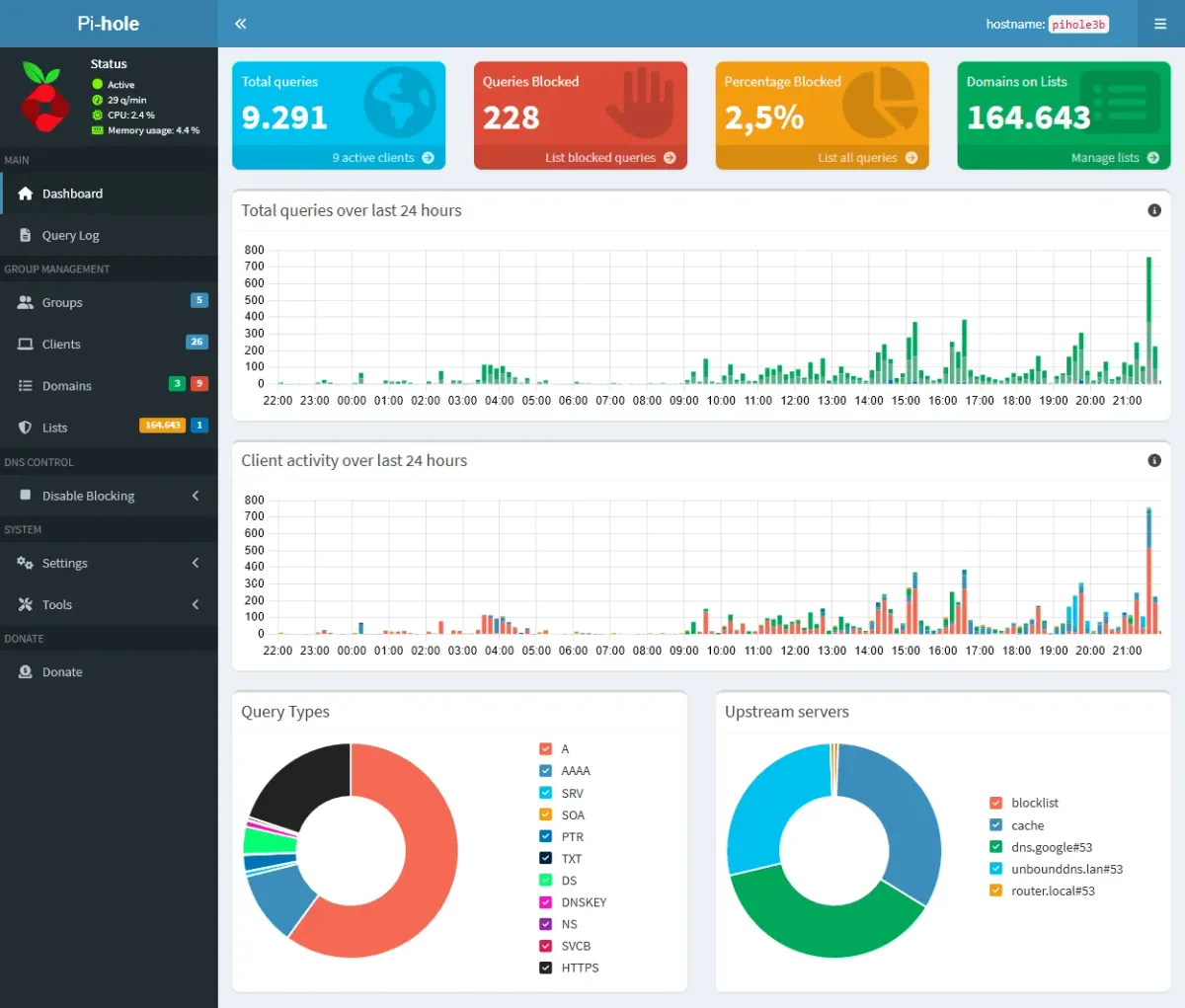
Pi-hole is one of those projects that quietly sits at the heart of a lot of homelabs. Every DNS query from every phone, laptop and smart TV in the house goes through it, and most of the time you forget it's even there. That's exactly why a release like the one from October 17, 2026 deserves your attention.
Pi-hole Core v6.5, FTL v6.8 and Web v6.6.1 landed together, and the matching Docker image pihole/pihole:2026.10.0 bundles fixes for 17 security advisories across the three components, several of them rated High. On top of that, FTL v6.8 brings real performance work and a list of behaviour changes you should know about before you hit update.
In this post we'll look at what changed, who should care, and how to run (or update) Pi-hole cleanly with Docker Compose.
What is Pi-hole?
Pi-hole is a network-wide ad and tracker blocker that works as a DNS sinkhole. You point your devices (or better: your router's DHCP settings) at Pi-hole as their DNS server. When a device asks for a domain that's on one of your blocklists, Pi-hole doesn't hand out the real address, so the ad or tracker never loads. Everything else is forwarded to the upstream resolver of your choice.
Because it works at the DNS level, it covers devices where you can't install a browser extension at all: smart TVs, game consoles, IoT gadgets and apps on your phone.
The project lives at pi-hole/pi-hole on GitHub with over 61,000 stars. Pi-hole is made of a few parts:
- Core: the scripts and the
piholecommand-line tool (gravity list updates, enable/disable, queries and more). - FTL: the DNS/DHCP engine, built on an embedded dnsmasq, which also serves the API and the web interface since v6.
- Web: the admin dashboard.
- docker-pi-hole: the official container image that packages all of the above.
It's licensed under the EUPL v1.2 (European Union Public Licence), an OSI-approved copyleft license.
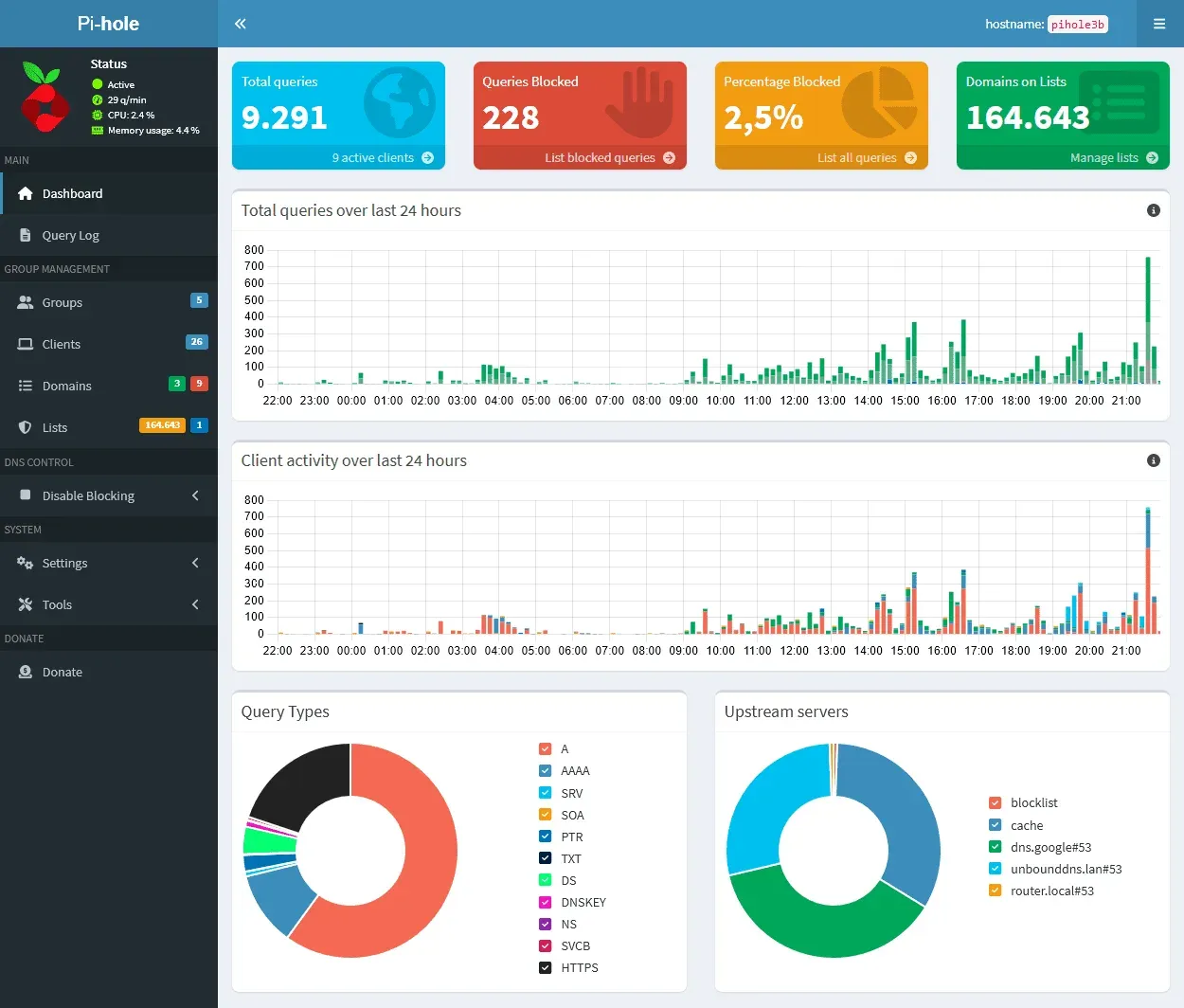
Why this release matters: the security fixes
The headline of this release is security. The Docker release notes list 17 advisories fixed across FTL, Web and Core. Here is a summary in plain words (see the linked release notes for the full list and credits):
Core v6.5 (four High, one Low)
- Several local privilege escalation paths from the
piholeuser to root were closed, for example through a crafted PID, a symlink followed when the update checker writes its version file, andgravity.shchanging ownership of a directory taken from the config. /opt/piholeis now read-only for the FTL service, andpihole-FTLno longer passes theCAP_CHOWNcapability on to everything it runs.
FTL v6.8 (one High, four Medium, four Low)
- An authenticated user could relocate the web server's document root (via a Teleporter import or a symlink) and read files.
- Local
file://blocklists could leak the contents of local files. - Read-only app sessions could read password hashes and the TOTP secret. If you hand out app passwords to scripts or dashboards, this one matters.
- An out-of-bounds write in the API's TXT buffer, reachable via unauthenticated CHAOS/TXT DNS queries (denial of service).
- EDNS(0) data from one client's query could leak into another client's query.
- Low-rated fixes include cross-site requests and DNS rebinding against installs without a password, plus a few crash and race conditions.
Web v6.6.1 (three Low)
- Stored XSS issues in Settings > All settings, Local DNS Records and DNS.
None of this means Pi-hole was a disaster before. Most issues need an authenticated user or local access. But Pi-hole runs on a box that sees all of your DNS traffic, so it's worth staying current. If you've ever left the web password empty "because it's only on my LAN", the DNS rebinding fix is a good reminder to set one.
What else is new
Besides the security work, the release notes highlight several practical improvements:
- Faster live log: FTL now keeps the live query log in a ring buffer instead of shifting the whole buffer for every new line, which saves CPU on busy networks.
- Less memory: two unused in-memory indexes were removed, saving roughly 22 MB per million queries, and long-term statistics queries got faster.
- Internationalised domain names on blocklists are now converted to punycode and actually blocked, instead of being rejected as invalid.
- Faster gravity database: Core v6.5 tunes the schema with new indexes and cheaper triggers. Your database is migrated automatically to schema version 21 on update.
- Updated components: the embedded dnsmasq and SQLite were bumped.
- A long list of bug fixes, including one where flushing the logs deleted the entire long-term history instead of just the last 24 hours, and a container-specific fix: the load check now counts the host's CPUs, so the "high load" warning no longer fires spuriously in Docker or LXC with CPU limits.
- Docker image: release downloads now fail closed, and the Docker secret web password is no longer printed when shell tracing is enabled.
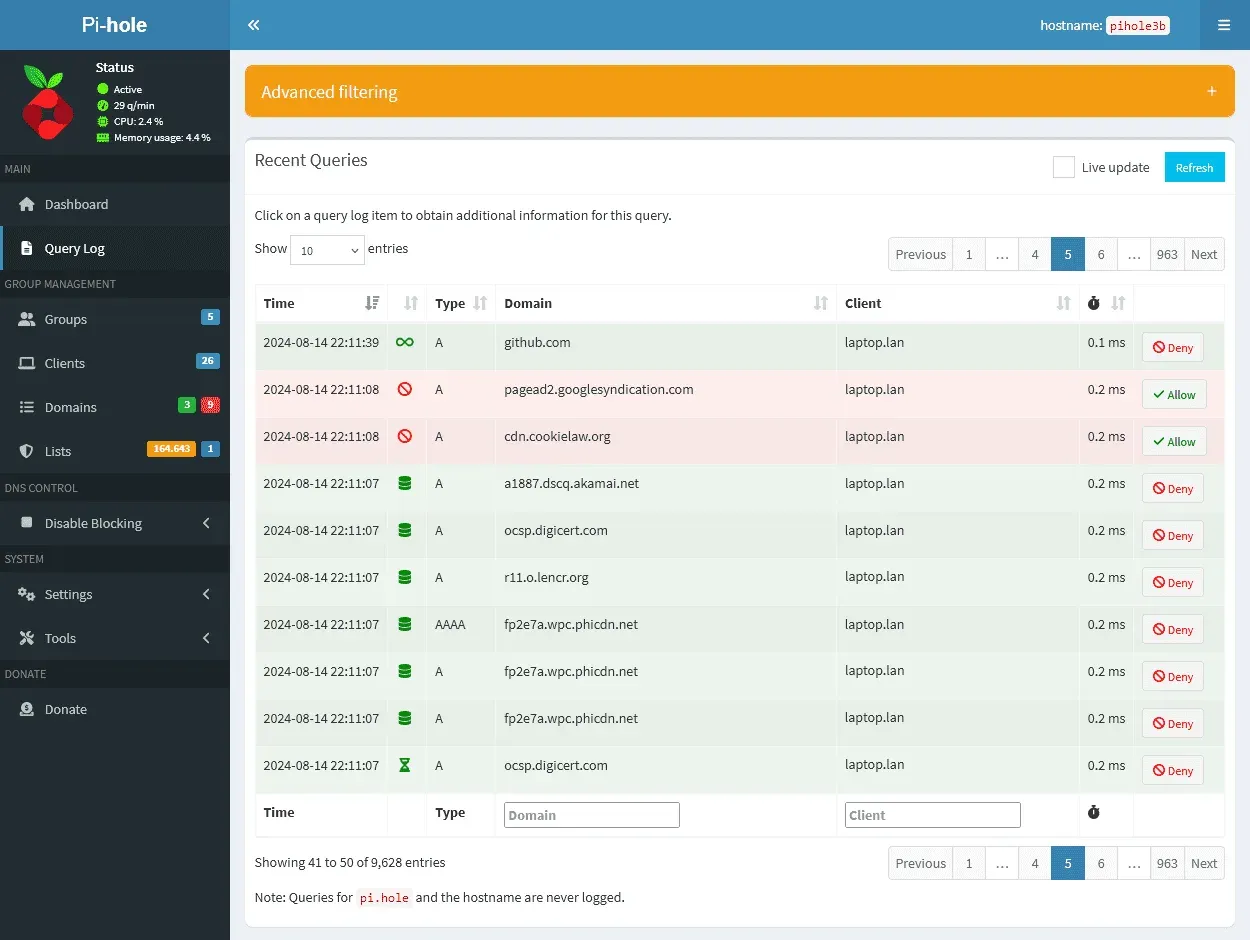
Behaviour changes to check before you update
FTL v6.8 is a minor release, but the maintainers explicitly say it changes visible behaviour. The ones most likely to affect homelabbers:
- Invalid values in
pihole.tomlare now reset to their defaults instead of being accepted. Lists such asdns.hostsonly drop the invalid entries, not the whole list. Check your local DNS records after updating. - With
webserver.serve_all = false, requests to/on a host other thanwebserver.domainnow return a 404. If you run Pi-hole behind a reverse proxy that doesn't strip the configured path prefix, the prefixed path returns a 404 too. Test your proxy setup. - A renewed self-signed certificate comes with a new CA, so if you imported Pi-hole's
tls_ca.crtinto your browser or OS, you'll need to import it again. - FTL no longer hands symbolic links (for example a database or log file linked to another disk) over to the
piholeuser. The link target must already be owned bypihole.
Step-by-step: run Pi-hole with Docker Compose
If you're starting fresh, here's a clean setup based on the official Compose example, with a pinned version and the password kept out of the Compose file.
1. Free up port 53
On many Ubuntu and Fedora hosts, systemd-resolved already listens on port 53, and Pi-hole can't start. The Pi-hole docs recommend disabling only the stub listener:
sudo mkdir -p /etc/systemd/resolved.conf.d
printf "[Resolve]\nDNSStubListener=no\n" | sudo tee /etc/systemd/resolved.conf.d/no-stub.conf
sudo ln -sf /run/systemd/resolve/resolv.conf /etc/resolv.conf
sudo systemctl restart systemd-resolved
2. Create the project folder and a password file
mkdir -p ~/pihole && cd ~/pihole
# write your admin password into a file (use your own, long password)
nano pihole_password.txt
chmod 600 pihole_password.txt
3. Create compose.yaml
services:
  pihole:
    container_name: pihole
    image: pihole/pihole:2026.10.0   # pin a release, update deliberately
    ports:
      - "53:53/tcp"
      - "53:53/udp"
      - "8080:80/tcp"     # web UI over HTTP; change if 8080 is taken
      - "8443:443/tcp"    # web UI over HTTPS (self-signed cert)
      # - "67:67/udp"     # only if Pi-hole should be your DHCP server
    environment:
      TZ: "Europe/Berlin"
      WEBPASSWORD_FILE: pihole_webpasswd
      # needed when using Docker's default bridge network
      FTLCONF_dns_listeningMode: "ALL"
      # example upstreams, pick your own
      FTLCONF_dns_upstreams: "9.9.9.9;149.112.112.112"
    secrets:
      - pihole_webpasswd
    volumes:
      - ./etc-pihole:/etc/pihole
    # cap_add:
    #   - NET_ADMIN   # only needed for DHCP
    #   - SYS_NICE    # optional, more CPU priority
    restart: unless-stopped

secrets:
  pihole_webpasswd:
    file: ./pihole_password.txt
A few notes:
- The official example maps ports 80 and 443 directly. On a host that already runs a reverse proxy, those are usually taken, so mapping to 8080/8443 avoids conflicts.
- Any Pi-hole setting can be set with an environment variable following the pattern
FTLCONF_[section_][setting], mirroring the keys inpihole.toml.FTLCONF_dns_upstreamstakes a semicolon-separated list. WEBPASSWORD_FILErefers to the name of the Docker secret, as shown in the official docs. You can also setFTLCONF_webserver_api_passworddirectly, but then the password sits in plain text in your Compose file.- Don't use
--privileged. The docs recommend adding only the capabilities you need.
4. Start it
docker compose up -d
docker compose logs -f pihole
Open http://<your-server>:8080/admin/, log in, and you'll see the dashboard. Then point your router's DHCP DNS setting at the Pi-hole host so all devices use it. Test from a client with:
nslookup example.com <your-pihole-ip>
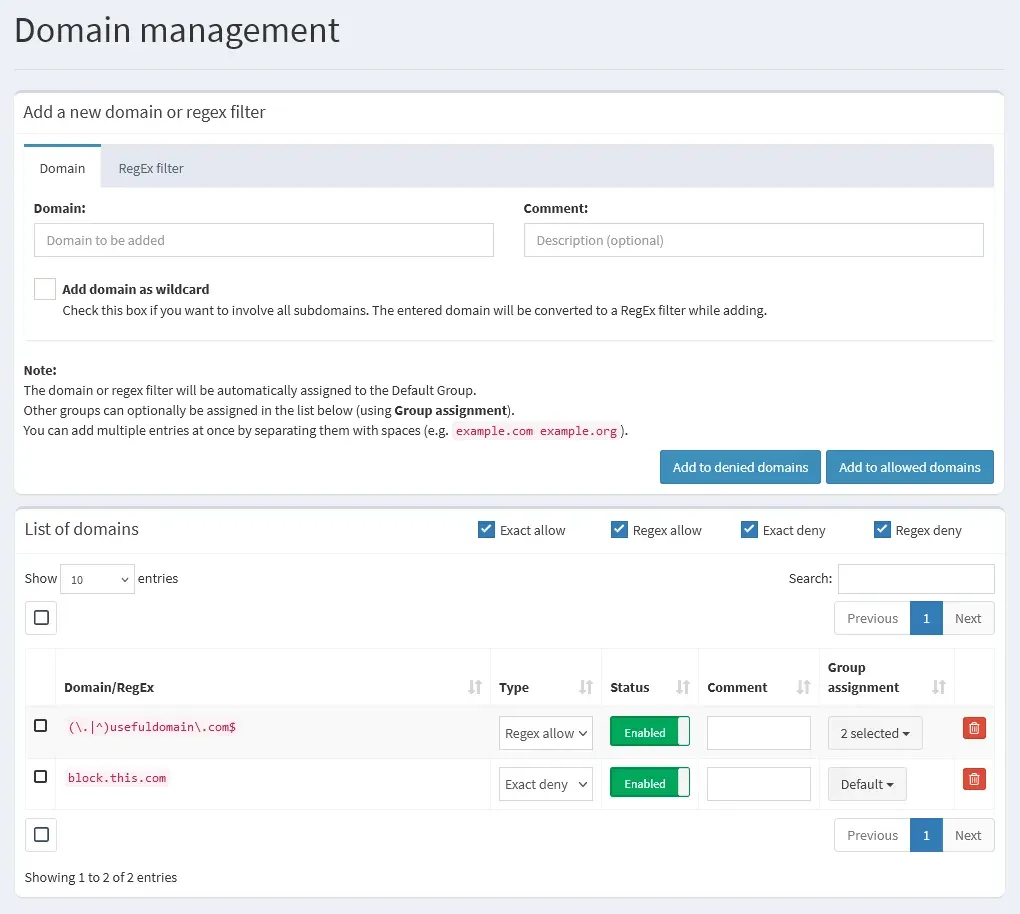
How to update an existing Docker install
The Pi-hole team explicitly advises against unattended auto-updates with tools like Watchtower. Their reasoning: Pi-hole is critical to your network, and you should read the release notes first. This release, with its config validation and reverse proxy changes, is a good example of why.
A safe update looks like this:
cd ~/pihole
# 1. back up your data first
tar czf etc-pihole-backup-$(date +%F).tar.gz etc-pihole
# 2. bump the image tag in compose.yaml to 2026.10.0, then:
docker compose pull
docker compose up -d
docker compose logs -f pihole
You can also export a backup from the web UI with Teleporter before you start. After the update, check the running versions with docker exec pihole pihole -v (you should see Core v6.5, FTL v6.8 and Web v6.6.1), run a few DNS lookups, and verify your local DNS records and reverse proxy access.
If you run Pi-hole on bare metal instead, pihole -up handles the update.
Tips for running Pi-hole in a homelab
- Run two instances. If your only DNS server goes down, so does "the internet" for your whole household. A second Pi-hole as secondary DNS avoids angry family members. Keeping their settings in sync needs an extra tool or Teleporter exports.
- Always set a password. The DNS rebinding fix in this release targets installs without one.
- Don't expose port 53 to the internet. An open resolver gets abused for amplification attacks. Pi-hole belongs on your LAN or behind your VPN.
- Monitor it. A simple DNS check in your monitoring tool catches a stuck container early. If you like dashboards, our Homepage guide shows how to put all your services on one page, and Healthchecks can tell you when your backup job stops running.
Limitations
Pi-hole is great, but it's honest to mention what it can't do:
- DNS blocking can't remove ads served from the same domain as the content, such as YouTube video ads. That needs a browser-based blocker.
- Devices with hard-coded DNS or DNS-over-HTTPS can bypass Pi-hole unless you block that at the router or firewall.
- Aggressive blocklists break things. Expect to add a few allow-list entries over time.
Pi-hole vs. AdGuard Home
The most common alternative is AdGuard Home, another open-source DNS blocker that is popular in homelabs. It ships encrypted DNS options like DNS-over-HTTPS out of the box, while Pi-hole focuses on a mature DNS/DHCP engine with deep query statistics and group management. Both run well in Docker. If you already use Pi-hole, this release is no reason to switch; it's a reason to update.
Conclusion
Pi-hole v6.5 is not a flashy feature release, but it's an important one: 17 security advisories fixed, a faster and leaner FTL, and better handling of internationalised domains. The behaviour changes around config validation, reverse proxies and certificates mean you should read the notes and test after updating rather than letting an auto-updater do it at 3 AM.
Are you running Pi-hole, AdGuard Home or something else for DNS blocking at home? Let us know in the comments.
Sources
- Pi-hole Core v6.5 release notes
- Pi-hole FTL v6.8 release notes
- Pi-hole Web v6.6.1 release notes
- docker-pi-hole 2026.10.0 release notes
- docker-pi-hole README and Compose example
- Pi-hole docs: Docker configuration
- Pi-hole docs: Docker tips and tricks (systemd-resolved, Watchtower)
- Pi-hole license (EUPL v1.2)
- Pi-hole graphics and screenshots (MIT)